PROJECT LOG
Email & Chat Sync
Initial Access
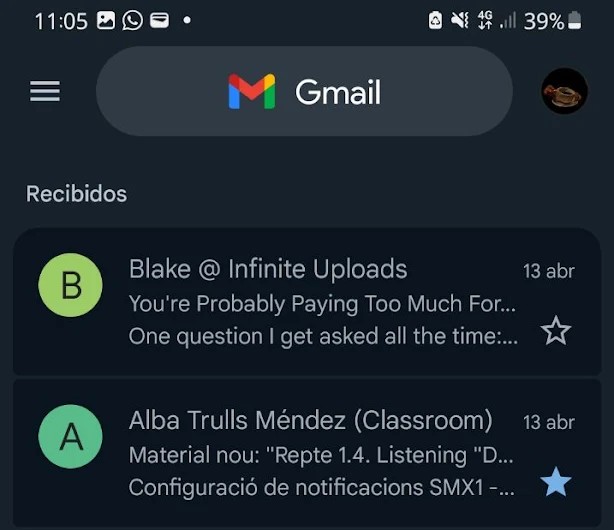
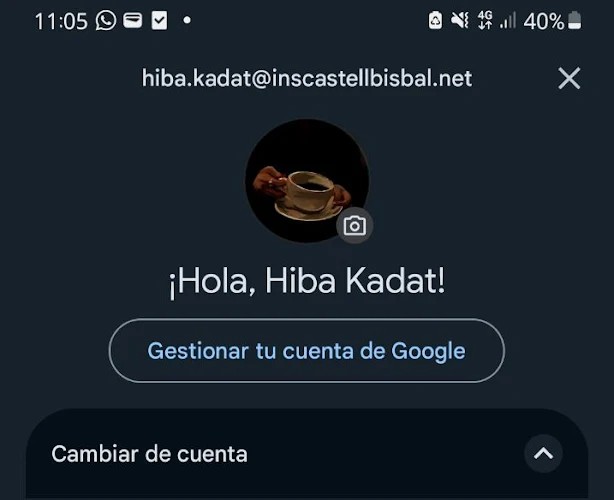
I opened the Gmail app on my phone and signed in with my account. Then, I went to the settings by tapping the three-line icon (menu) at the top left, and then selecting “Settings.”
Enable Sync
Once inside, I looked for the sync option and enabled it so that both emails and chats would be synchronized. This way, messages automatically arrive on my phone instantly.
Filtering
I adjusted the notifications so that I’m only alerted about what really matters — both important emails and chat messages, keeping my workflow clean and focused.
The Outcome
This setup ensures that my emails and chats are always up to date. I don’t miss anything, whether I’m using my phone or any other device where my account is configured.
Connectivity status: ● Synchronized