Email Management: Automated Filter Rules
Gmail Filters let you automate your workflow — sorting, labeling, and archiving incoming messages automatically so your inbox stays organized without any manual effort.
Why automate your inbox?
Managing a high volume of emails can be overwhelming. Gmail Filters allow you to automate your workflow by automatically sorting, labeling, or archiving incoming messages based on specific criteria.
This ensures your inbox stays organized without manual effort, so you can focus on what actually matters.
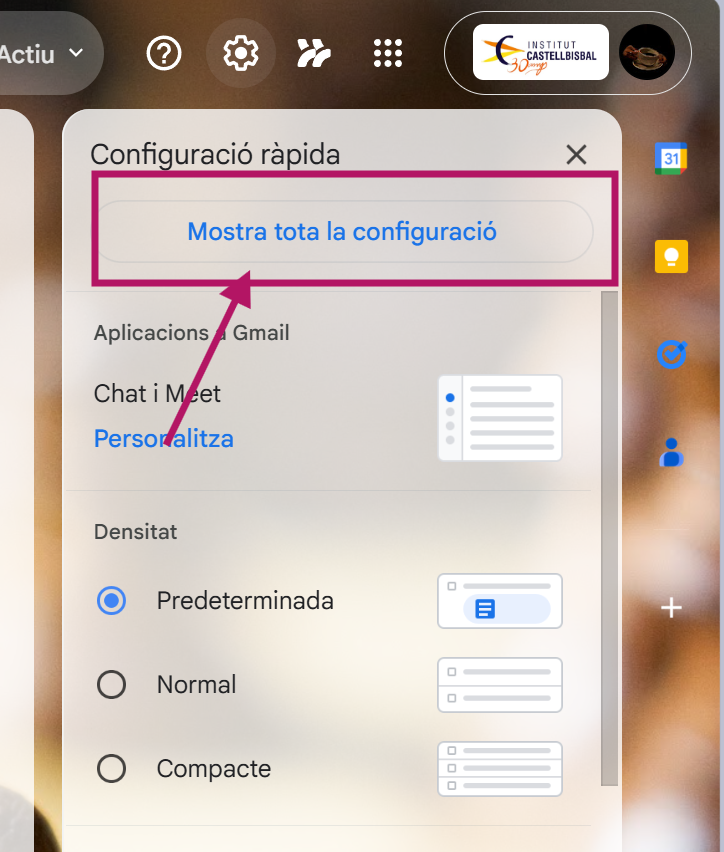
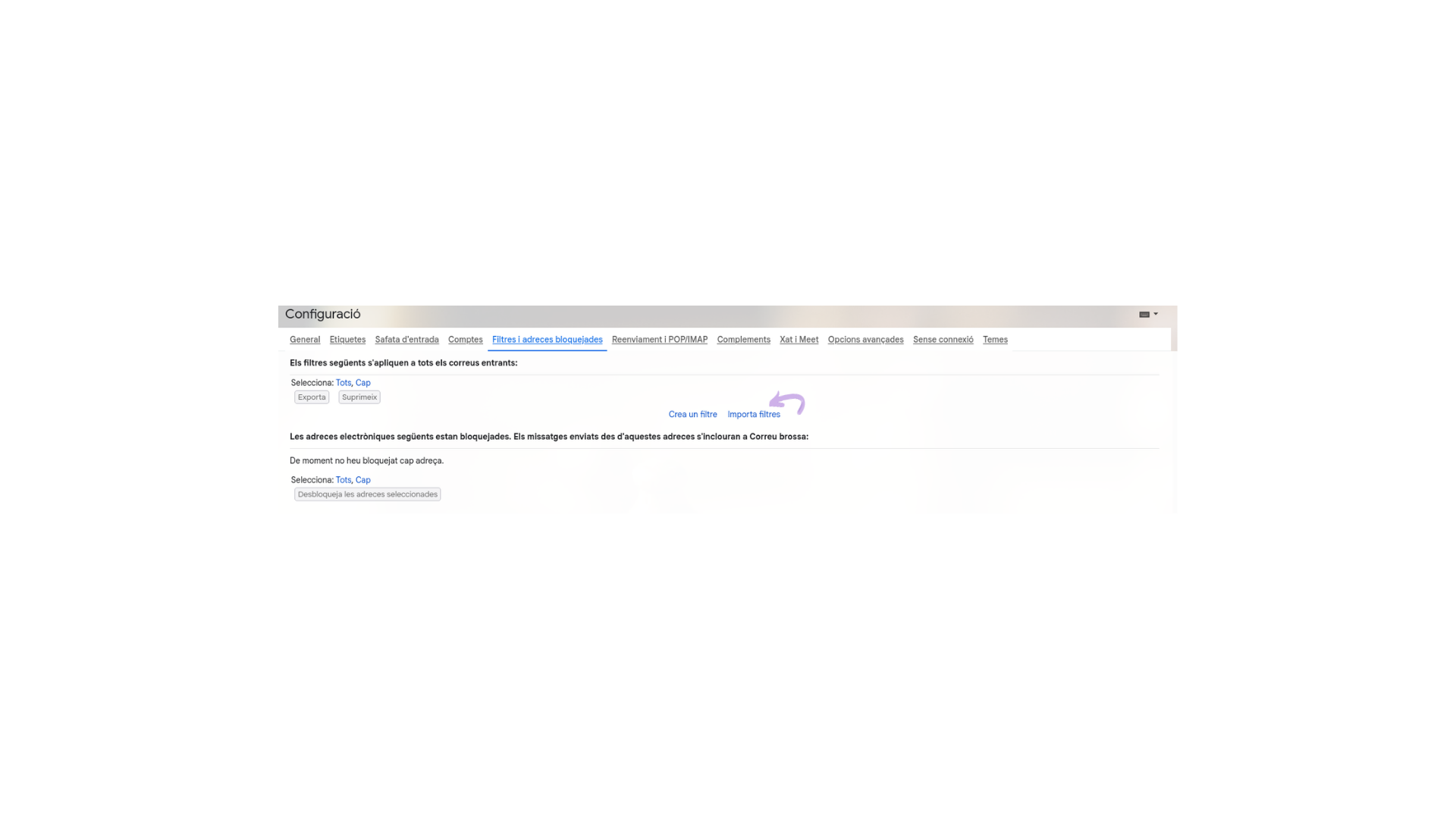
The first step is to enter the backend settings of your Gmail account to find the filter creation interface.
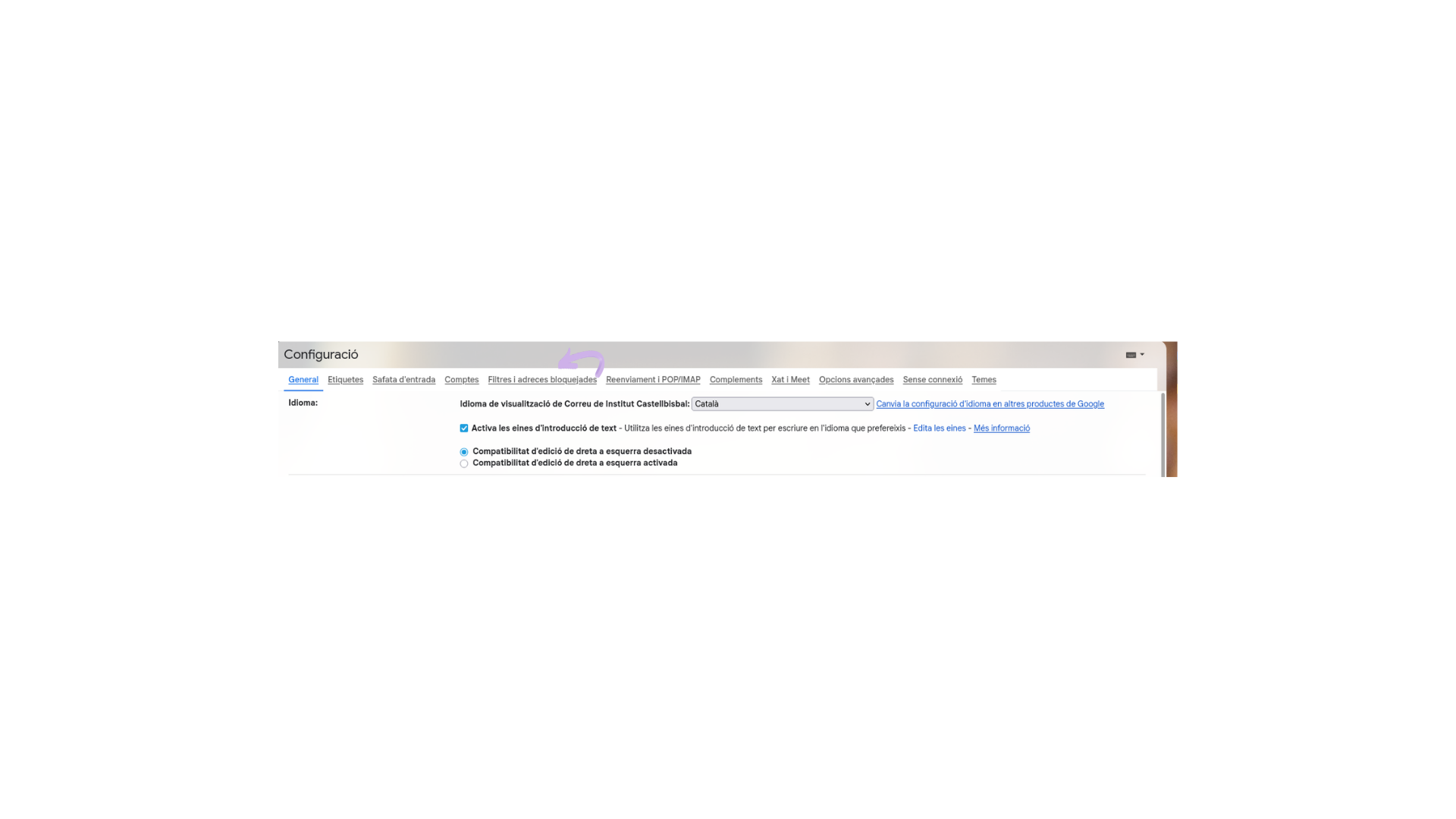
Once the filter window opens, you must tell Gmail which emails to look for (criteria) and what to do with them (actions). This two-step logic is the core of every filter.
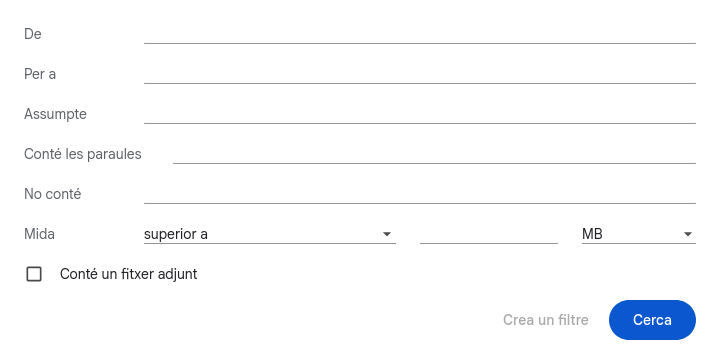
After selecting your desired actions, click the blue “Create filter” button. The rule is now permanently active.
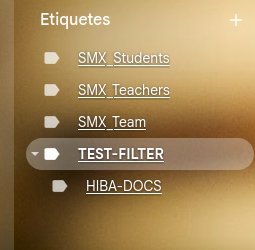
By implementing automated filter rules, you transform your inbox into a self-managing system. This not only saves time but also ensures that important emails are labeled correctly and low-priority messages are categorized appropriately — leading to a much more efficient digital workspace where you always know exactly where everything is.